Knowledge Library
Driver topics made easy to understand
Browse clear educational guides about software drivers and how printers, audio devices, graphics, USB, network, Bluetooth, chipset, storage and other hardware work with your computer.
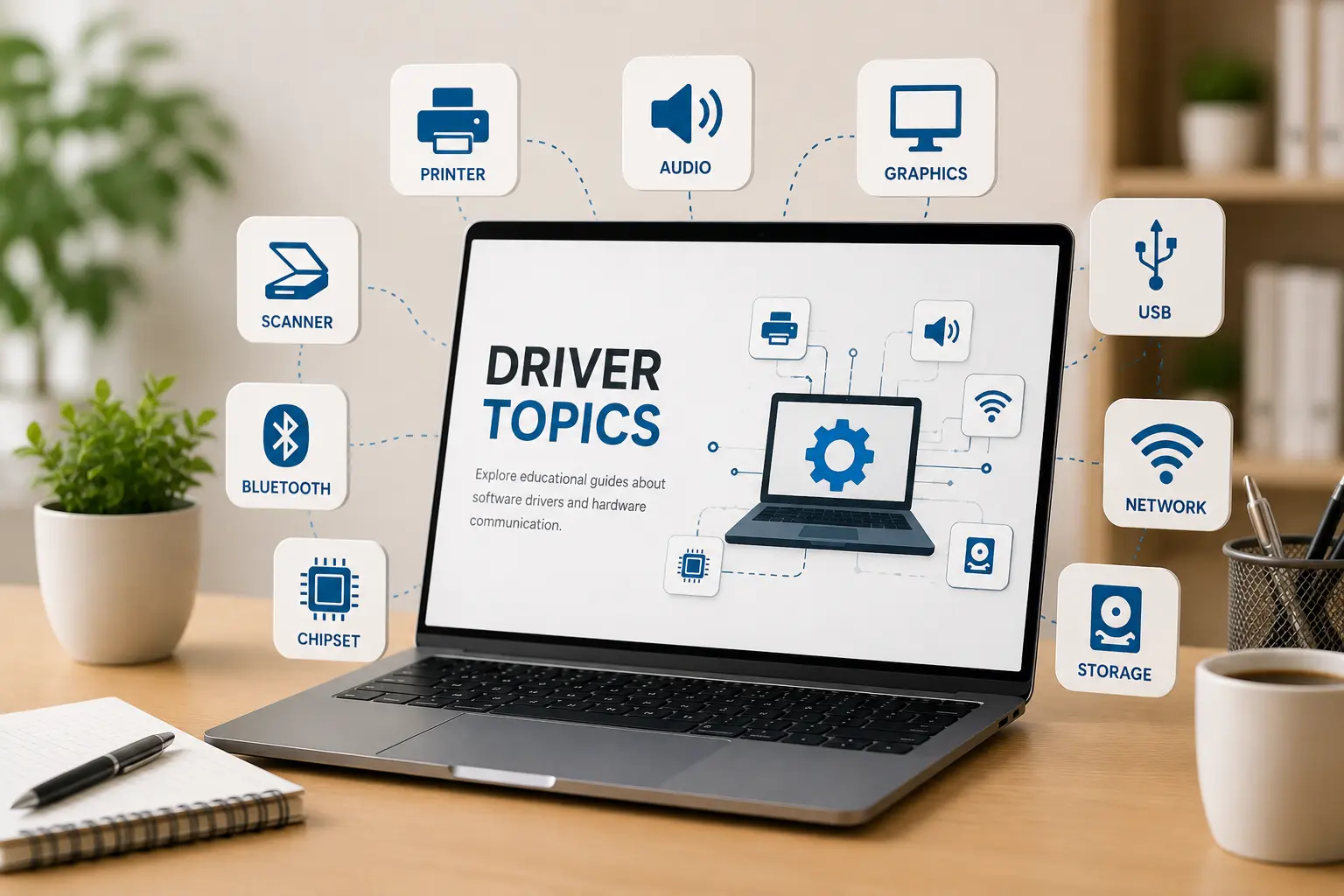
Driver topics
14+ Guides
14+
Driver categories explained in simple words.
Easy
Simple topic flow for beginner learning.
Clear
Understand hardware and operating system communication.
Select a topic and start reading.
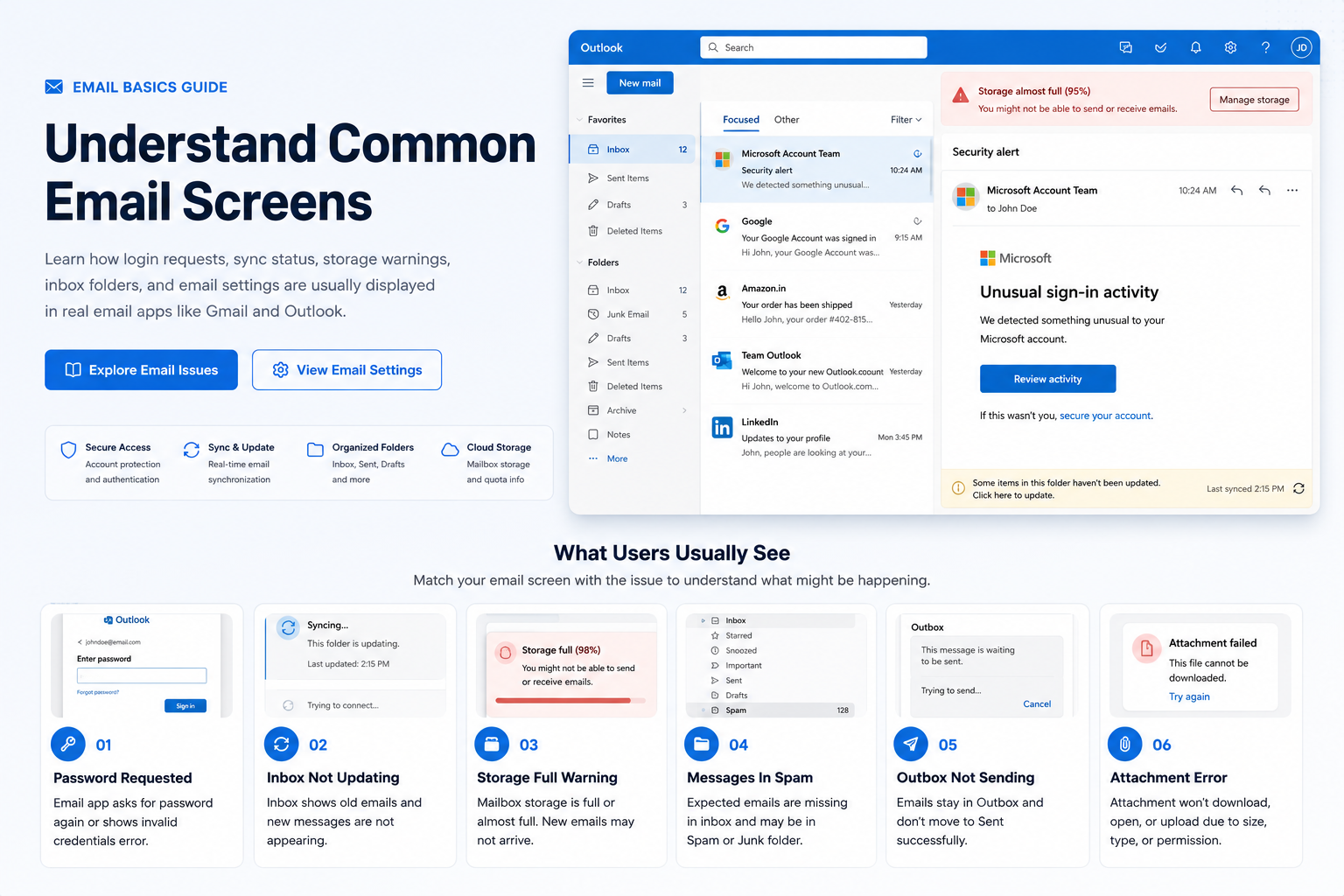
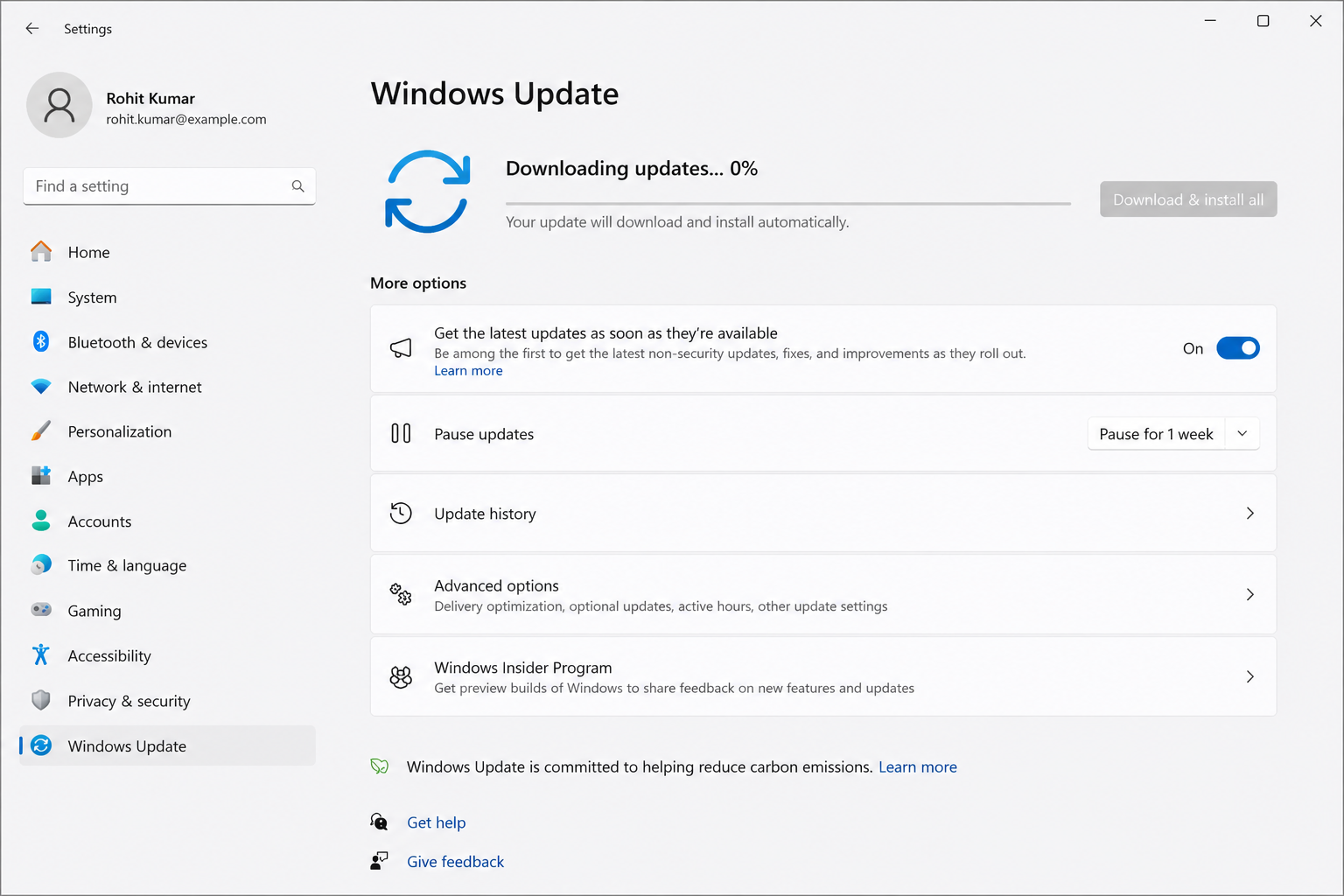
Choose from simple educational guides about printers, drivers, routers, email syncing and Windows update messages.
How to Connect a Printer to Your PC
Connecting a printer to your computer involves setting up the correct physical or wireless communication link. This guide explains how operating systems interface with printer drivers via USB cabling or local Wi-Fi networks. We break down how to manage active print queues, verify default printer configurations, and resolve common device status check delays.
Core Learning Checklist
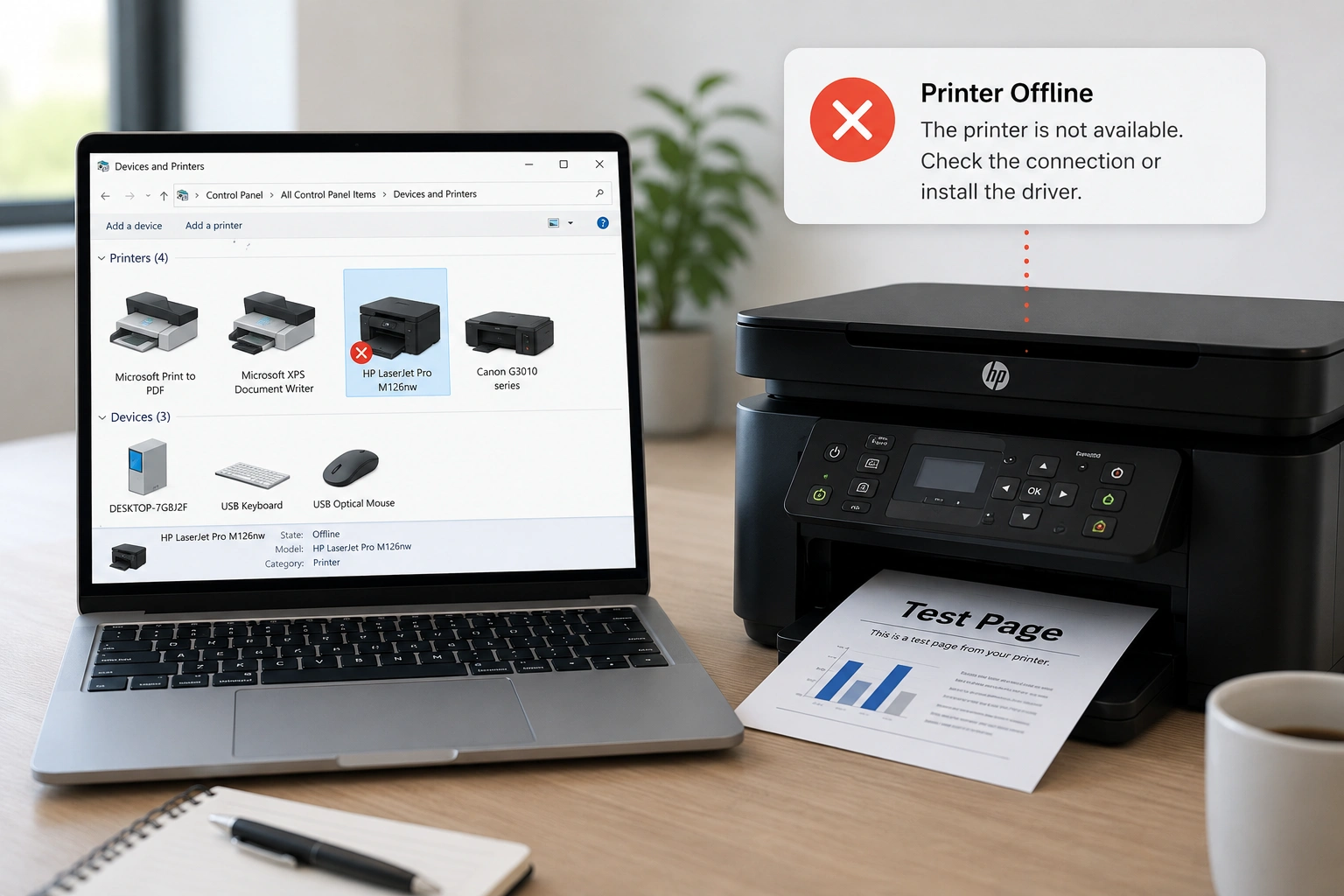
Add or install a printer in Windows
Provided for reference by Microsoft Support
Official Source Docs
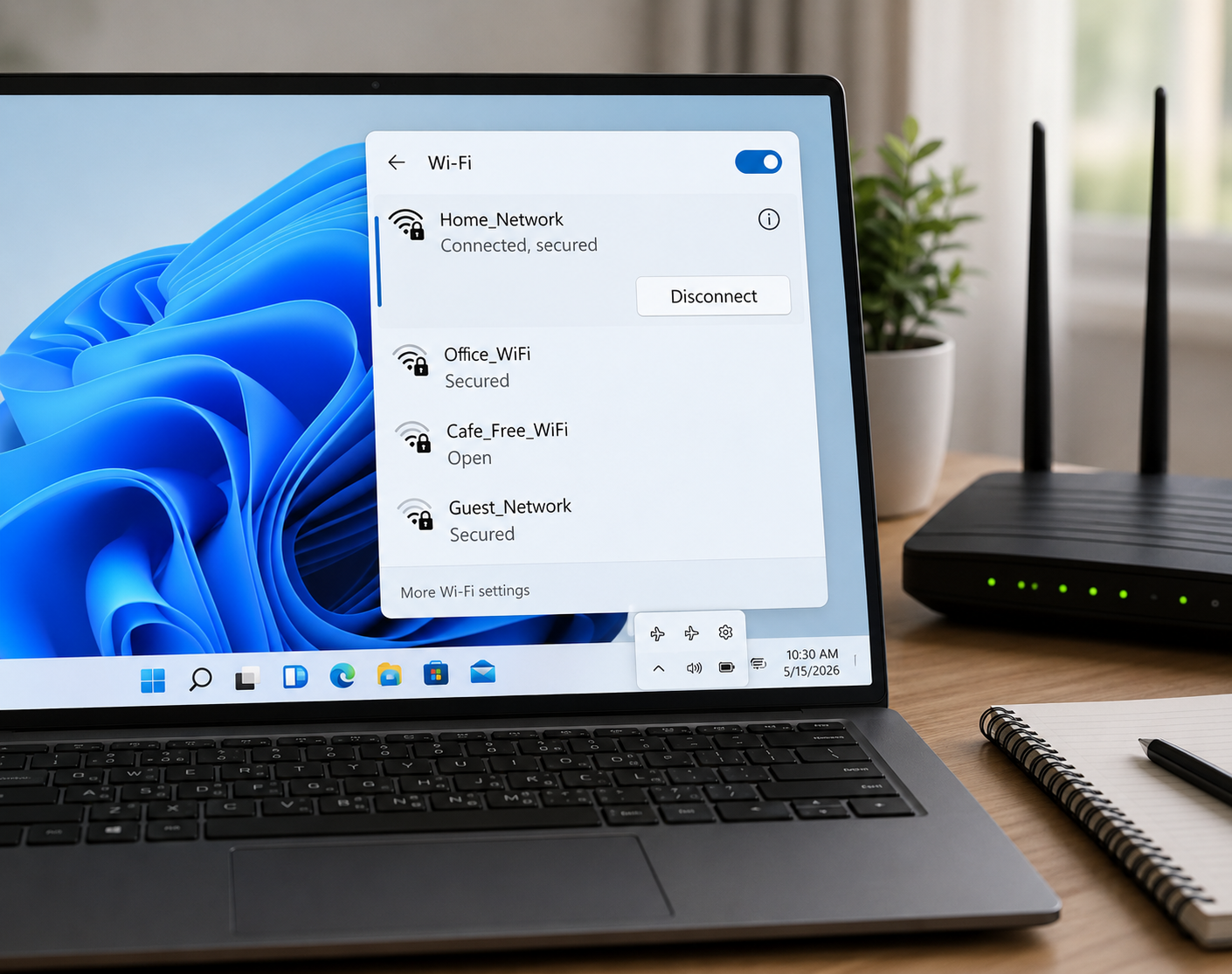
Topic Preview
Explore common driver areas
Learn what different driver categories do and how they support computer hardware communication.
Device Output
Printer, audio, scanner, webcam, and display-related learning topics.
Connectivity
WiFi, Ethernet, Bluetooth, USB, and connected device communication basics.
System Hardware
Chipset, storage, BIOS, UEFI, and motherboard-level driver concepts.
Input Devices
Keyboard, touchpad, mouse input, gestures, and basic control behavior.
Learning Path
Understand drivers step by step
Choose Topic
Select a driver category such as printer, audio, USB, Bluetooth, chipset or storage.
Read Concepts
Learn the meaning, purpose, and role of that driver in simple language.
Understand Role
See how hardware devices and operating systems communicate through driver software.
Explore More
Move to related driver topics and build your understanding step by step.